点击create后插件就生成了这样一个页面:
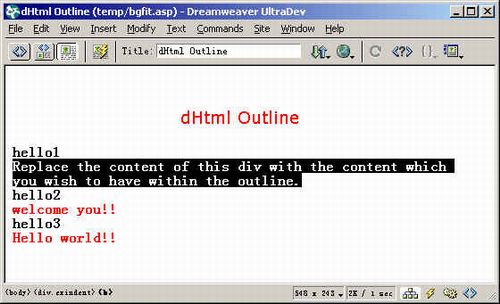
接下来我们的工作就是要修改黑底部分的内容为你自己想显示的内容,如上图所示。修改完毕后,预览。
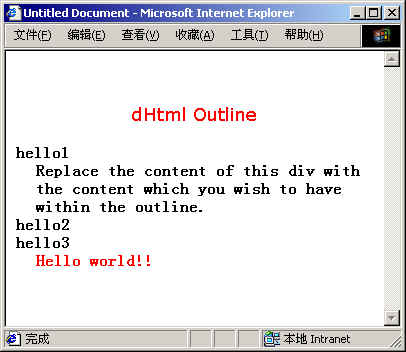
察看网页源代码,我们就可以看到:
< div id="helloParenthello3" onClick="javascript:hideshow('helloChildhello3')" class="exheading" >hello3< /div >
< div id="helloChildhello3" style="cursor:auto" class="exindent" >Hello world!!< /div >
这样,如果我们要从数据库中的数据动态生成折叠树的话就很容易了,只需把要显示的字段代替hello world!!,如 就行了。
|


