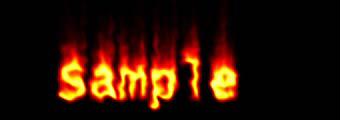
燃烧文字
--------------------------------------------------------------------------------
这种文字非常常见,或许有更好的方法,在此提供一种。
新建一grayscale图像,以340x120为例。设定背景为黑色,前景为白色。

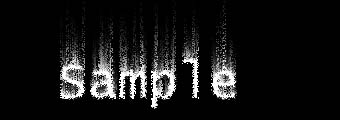
将图像旋转90度CW Image/Rotate/90 CW;使用Filter/Stylize/Wind...两次,设定Wind/Right;用滤镜Filter/Stylize/Diffuse...,使用缺省参数;将图像复原Image/Rotate/90
CCW。
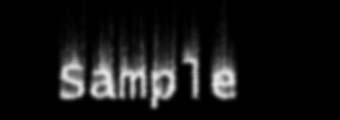
用Filter/Blur/Gaussian Blur,设定Radius参数为:2.0。
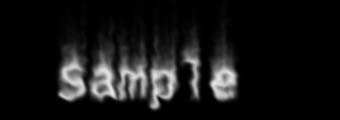
用Filter/Distort/Ripple接受缺省设置。
现在将图像染色。 Mode/Indexed Color;Mode/Color Tables 选择 Black Body...
 |


